
Check the file size against the published figure
The Windows installer is around 48.6 MB. A 2 MB "installer" is a downloader for something else; a 300 MB one has been repackaged with extras.
Security checklist
Most compromised messaging accounts are not broken into — they are handed over, one login code at a time. Six settings and a little scepticism close that door.
Do these in order
Privacy and Security → Two-Step Verification. Set a password and add a recovery email in the same visit. From then on, an intercepted SMS code alone is not enough to sign in as you.
Devices lists every authorised client with its location and last activity. End anything unfamiliar, and end sessions on computers you no longer use even if you recognise them.
Privacy and Security → Phone Number → Nobody, then allow the specific contacts who should see it. Set Who can find me by my number to My Contacts at the same time.
Both can be limited to contacts or nobody, with exceptions. Note that hiding your last seen also hides everyone else's from you.
On mobile, add a passcode lock backed by Face ID or a fingerprint so a borrowed or lost phone does not expose the chat list.
Individual chats can clear themselves after a day, a week or a month. Useful for conversations that contain addresses, codes or documents you do not want sitting around.
Know what protects what
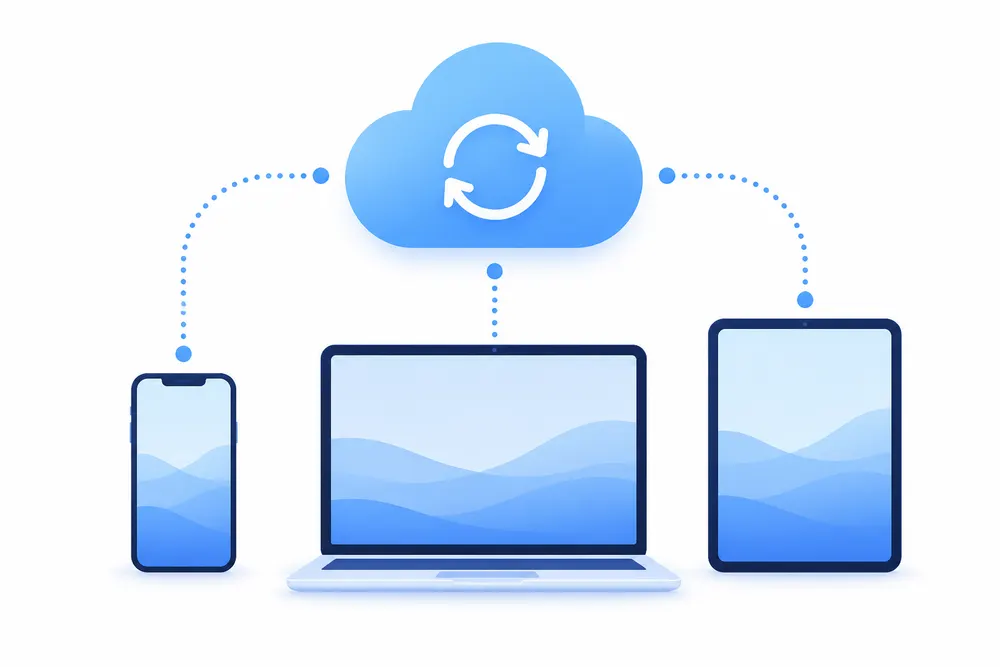
Confusion about this is the source of most arguments about Telegram's security. The trade-off is deliberate: cloud chats buy convenience and multi-device sync, secret chats buy secrecy and give up both.
| Conversation type | Stored where | Encryption | Practical effect |
|---|---|---|---|
| Cloud chats | Every device you sign in on | Encrypted in transit and at rest on the server | History survives a lost phone and syncs everywhere. This is the default and covers groups and channels too. |
| Secret chats | Only the two mobile devices involved | End-to-end encrypted, no server copy | Nothing syncs, nothing is recoverable if the device is lost, and screenshots can be flagged. Optional self-destruct timers. |
| Voice and video calls | The two devices on the call | End-to-end encrypted | Both sides can compare emoji fingerprints to confirm the connection is not relayed through anyone else. |
Before you run anything
The Windows installer is around 48.6 MB. A 2 MB "installer" is a downloader for something else; a 300 MB one has been repackaged with extras.
The real setup never proposes toolbars, system cleaners or a second browser. If a checkbox offers you something extra, stop and delete the file.
An archive that needs a password to extract exists to defeat scanners. There is no legitimate reason for a chat client to ship that way.
The code authorises a device. Anyone asking for it — by chat, by phone or in a form — is asking to become you.
If you think an account is compromised
End every session except the one you are using, change the two-step password, then check Privacy and Security for forwarding or auto-delete settings you did not choose yourself.
Installers and their published sizes are listed on the download page, and the setup guides show where each of these settings lives on every platform.