
Secret chats live here
End-to-end encrypted conversations with self-destruct timers exist only on mobile, kept on the two devices that created them.
Android phones and tablets
The Android package is for devices where the store is unavailable, out of date, or simply not the route you want. It is the same client, delivered as a single .apk file that you open once the download finishes.
10.14.2 · 74 MB · Android 6.0 and newer
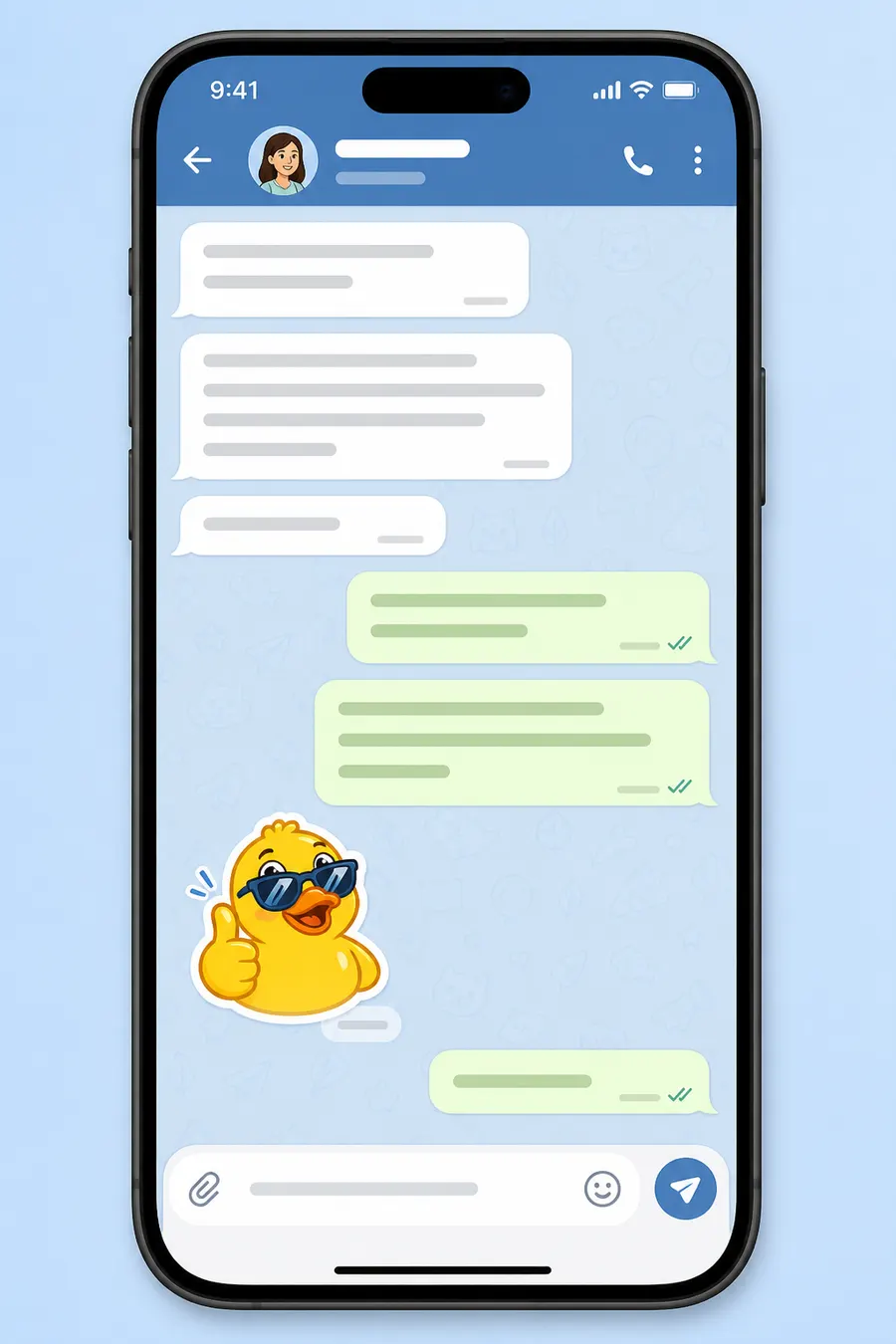
Specification
Android deliberately makes sideloading a two-step decision: you allow your browser to install packages, then you confirm the install itself. That friction is the point — it means nothing lands on the phone without an explicit yes from you.
Compare every platformWorth knowing
End-to-end encrypted conversations with self-destruct timers exist only on mobile, kept on the two devices that created them.
Allow media on Wi-Fi and block it on mobile data, with a size ceiling so only small images arrive automatically.
Voice and video calls, instant camera uploads and voice messages are all mobile-first features.
Android 6.0 is still supported, which covers phones that no longer receive system updates at all.
Install walkthrough
Open the download page on the phone itself and tap the Android entry, then confirm the download when the browser asks.
Android will report that installing unknown apps is blocked for your browser. Open that prompt and allow it for the browser only — not system-wide.
Tap the downloaded .apk from the notification shade or your Files app, read the summary and confirm the install.
Open Telegram, enter your phone number and the confirmation code, then decide on the notification and contacts prompts.
Go to Settings → Data and Storage and switch automatic media download off for mobile data so a busy group cannot eat your allowance.
Revoke the browser's install permission afterwards if you would rather not leave it enabled.
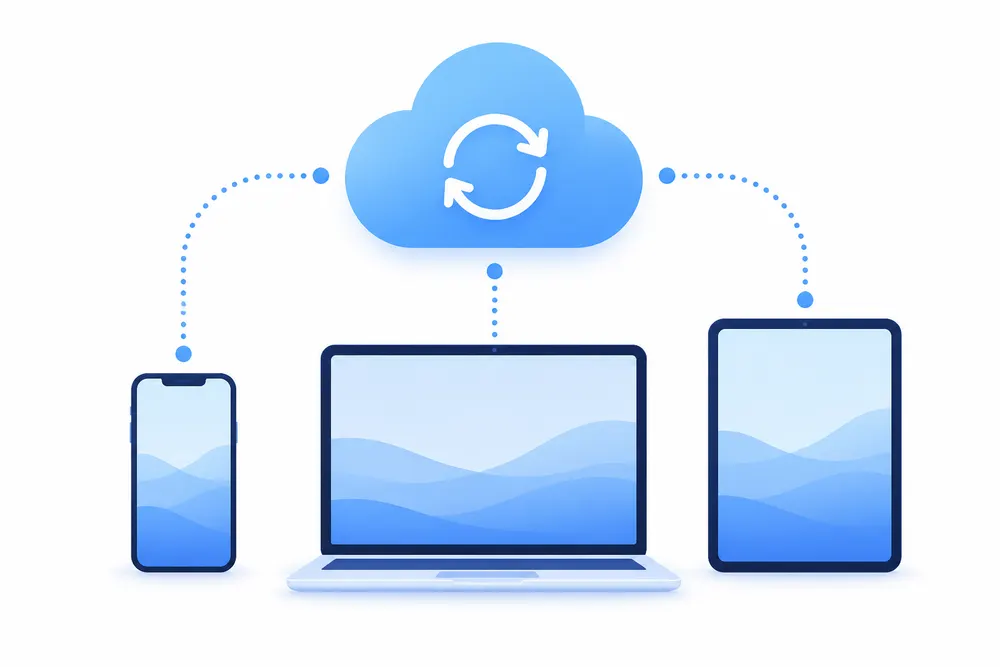
Nothing to migrate
Cloud chats are stored server-side, so signing in on a new device restores the whole history automatically. Only secret chats and local drafts stay behind.
If it goes wrong
| Symptom | What to do |
|---|---|
| App not installed | Usually a partial download or an older copy signed differently. Delete the file, download it again, and uninstall any previous build first. |
| The install option is greyed out | The browser still lacks install permission. Open Settings → Apps → your browser → Install unknown apps and enable it, then tap the file again. |
| Notifications stop after a day | Battery optimisation is suspending the app. Exclude Telegram from battery optimisation in Android settings so it can keep its connection. |
| Photos fill the gallery | Turn off Save incoming photos in Data and Storage; media stays available in the chat without being copied into the camera roll. |
Questions
An APK is exactly as trustworthy as where it came from. Use one source you trust, check that the file size is close to the figure published for the build, and let Android's own scanner inspect it when it offers.
The app tells you when a newer build exists and can fetch it, but there is no store to do it silently. Expect to confirm updates yourself.
Yes. The same package installs on tablets and adapts to the larger screen with a two-pane layout in landscape.
No. They are the same application, so one replaces the other. Your chats are unaffected either way because they live in the cloud.
More answers are collected on the FAQ page.
Other platforms